---
title: Error Handling
description: Learn how to handle errors in Bun's development server
---
To activate development mode, set `development: true`.
```ts title="server.ts" icon="/icons/typescript.svg"
Bun.serve({
development: true, // [!code ++]
fetch(req) {
throw new Error("woops!");
},
});
```
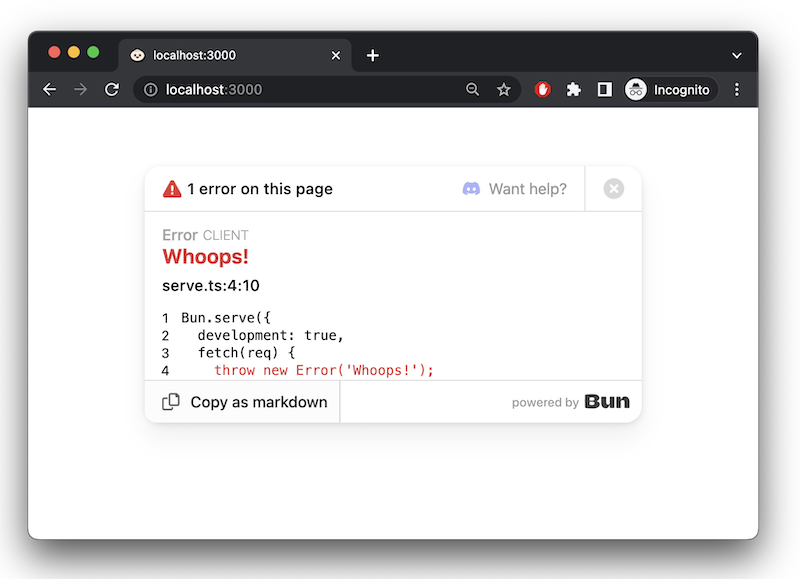
In development mode, Bun will surface errors in-browser with a built-in error page.
### `error` callback
To handle server-side errors, implement an `error` handler. This function should return a `Response` to serve to the client when an error occurs. This response will supersede Bun's default error page in `development` mode.
```ts
Bun.serve({
fetch(req) {
throw new Error("woops!");
},
error(error) {
return new Response(`${error}\n${error.stack}`, {
headers: {
"Content-Type": "text/html",
},
});
},
});
```
[Learn more about debugging in Bun](/docs/runtime/debugger)